

7 Ways To Speed Up Your Slow Internet Connection

Make sure to like Living Green and Frugally on Facebook, Shop at Amazon to help support my site and explore our PINTEREST BOARDS for innovative ways you can become self-sufficient.
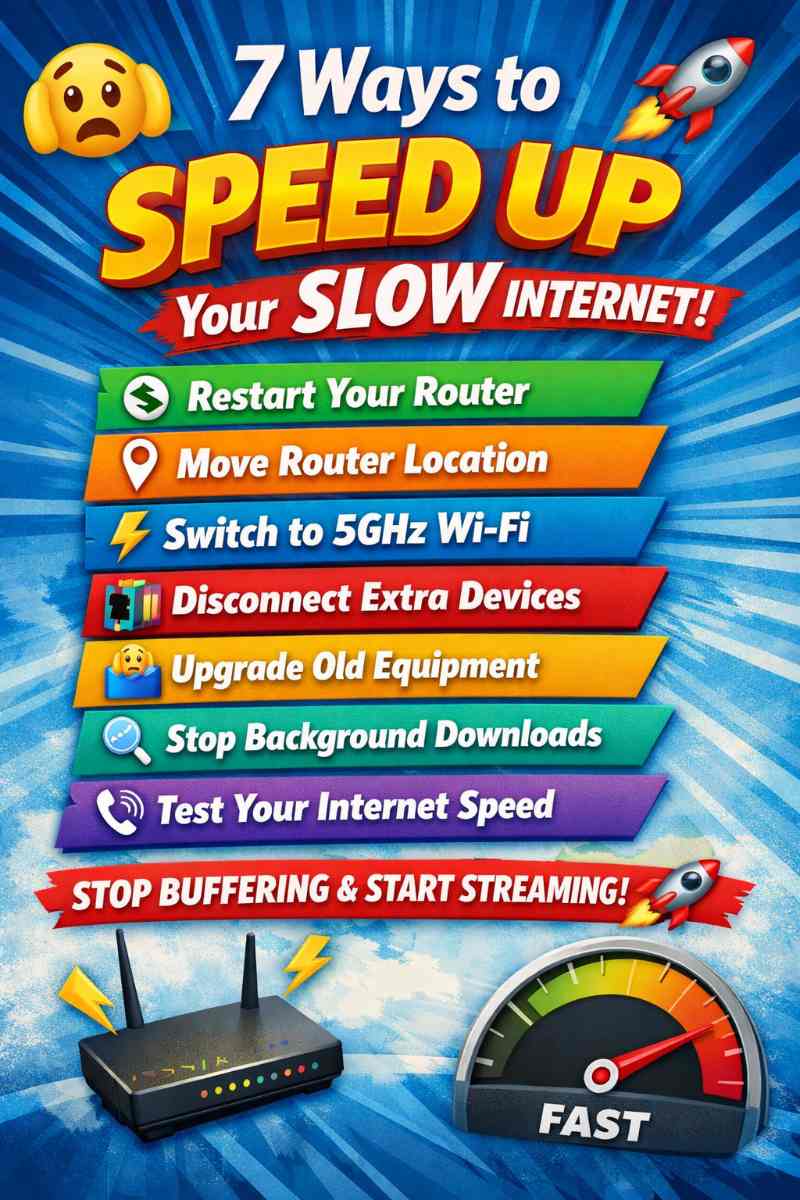
7 Ways To Speed Up Your Slow Internet Connection 🚀 (Without Paying More!)
Is your internet crawling when it should be flying? 🐌
Does Netflix buffer at the worst possible moment… Zoom calls freeze mid-sentence… and pages take forever to load?
You’re not alone. Slow internet is one of the most common modern frustrations, and the good news is—you often don’t need a more expensive plan to fix it.
In this guide, you’ll discover 7 proven ways to speed up your slow internet connection, why your internet slows down in the first place, and practical tips most people never think to try. Let’s get you back to smooth streaming, fast downloads, and stress-free browsing 💨
Why Is Your Internet So Slow? 🤔
Before fixing the problem, it helps to understand why it’s happening. Common causes include:
- 📡 Poor Wi-Fi signal or router placement
- 🧓 Old or outdated equipment
- 📱 Too many devices connected at once
- 🔄 Background apps eating bandwidth
- 🌐 Network congestion during peak hours
Now let’s fix it—starting with the fastest wins first.
1. Restart Your Router (Yes, Really!) 🔄
It sounds too simple, but restarting your router works surprisingly often.
Why this helps
Over time, routers accumulate memory errors, connection issues, and background processes that slow everything down.
How to do it properly
- Unplug your router and modem
- Wait 30–60 seconds (this matters!)
- Plug them back in and wait for full restart
💡 Pro Tip: Restart your router once a week to prevent slowdowns before they start.
2. Move Your Router to a Better Location 📍
Router placement can make or break your Wi-Fi speed.
Why location matters
Wi-Fi signals weaken when passing through walls, floors, furniture, and appliances.
Best placement tips
- Place it centrally in your home
- Keep it off the floor
- Avoid microwaves, TVs, and thick walls
- Keep antennas upright
📶 Even moving your router a few feet can dramatically improve speed.
3. Switch to the 5GHz Wi-Fi Band ⚡
Most modern routers broadcast two signals:
- 2.4GHz – longer range, slower speed
- 5GHz – shorter range, much faster speed
Why this helps
The 2.4GHz band is crowded with neighbours, smart devices, and interference. Switching to 5GHz often gives an instant speed boost.
How to switch
- Go to your Wi-Fi settings
- Select the network ending in “5G”
- Connect your devices
🚀 Perfect for streaming, gaming, and video calls.
4. Disconnect Devices You’re Not Using 📱❌
Every connected device shares your bandwidth—even when idle.
Common bandwidth hogs
- Smart TVs
- Tablets
- Game consoles
- Security cameras
- Smart home devices
Why this works
Fewer devices = more speed for the ones that matter.
💡 Bonus Tip: Change your Wi-Fi password occasionally to remove unwanted connections.
5. Update Your Router or Replace Old Equipment 🧠
If your router is more than 5 years old, it may be the bottleneck.
Why old routers slow you down
- Can’t handle modern speeds
- Poor signal strength
- Outdated Wi-Fi standards
What to look for
- Wi-Fi 5 (802.11ac) or Wi-Fi 6
- Dual-band or tri-band support
- Good reviews for coverage
📦 Upgrading your router can feel like upgrading your entire internet plan—without paying your ISP more.
6. Check for Apps & Background Downloads 🔍
Your internet might be fast—but something else is quietly using it.
Common culprits
- Cloud backups
- Software updates
- Streaming in the background
- Auto-syncing apps
How to fix it
- Check task manager or activity monitor
- Pause downloads you don’t need
- Limit background apps on phones and PCs
⚠️ One hidden download can slow everything else to a crawl.
7. Test Your Internet Speed (And Call Your ISP If Needed) 📞
Sometimes, the problem isn’t you—it’s your provider.
What to do
- Run a speed test
- Compare results to what you pay for
- Test at different times of day
Why this matters
If your speeds are consistently lower than promised, your ISP may:
- Fix a line issue
- Replace faulty equipment
- Offer a better solution
📊 You can’t fix what you don’t measure.
Extra Tips to Boost Internet Speed 💡
- 🔐 Use a strong Wi-Fi password
- 🧹 Clear browser cache regularly
- 🔌 Use Ethernet cables for important devices
- 📡 Consider a Wi-Fi extender or mesh system
Common Questions About Slow Internet ❓
Why is my internet slow at night?
Evenings are peak usage times—more people online means slower speeds.
Does resetting my router delete settings?
No. A restart is safe. A factory reset is different.
Is Wi-Fi slower than Ethernet?
Yes. Ethernet connections are faster and more stable.
Can too many smart devices slow internet?
Absolutely. Each device uses bandwidth, even passively.
Do internet boosters really work?
They can—especially in large homes or places with thick walls.
Final Thoughts: Faster Internet Is Often Easier Than You Think 💭
You don’t always need a pricier plan to fix slow internet. Small tweaks—router placement, device management, and simple upgrades—can make a massive difference.
Try these steps one by one, and you’ll likely notice improvements immediately ⚡